Tails OS and Hardware Encryption - Building a Secure Portable Workspace
In today's digital landscape, protecting sensitive data requires approaches that go far beyond standard passwords and software antiviruses. For journalists, researchers, corporate security professionals, and users handling mission-critical information, compromise is unacceptable. One of the most reliable defense methods is the concept of a "Live OS" (an operating system on portable media) working in tandem with cryptographically secured hardware.
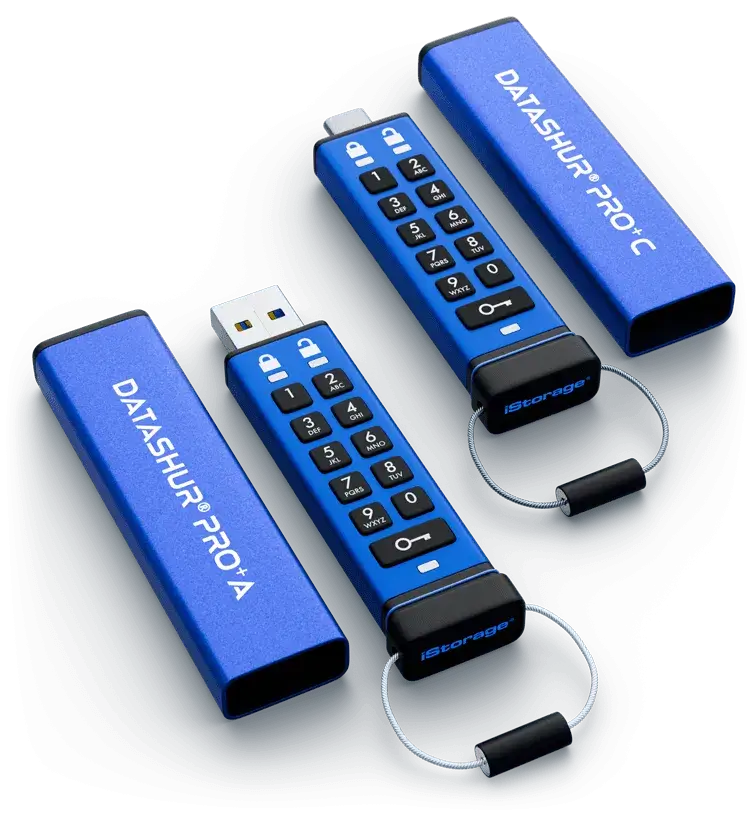
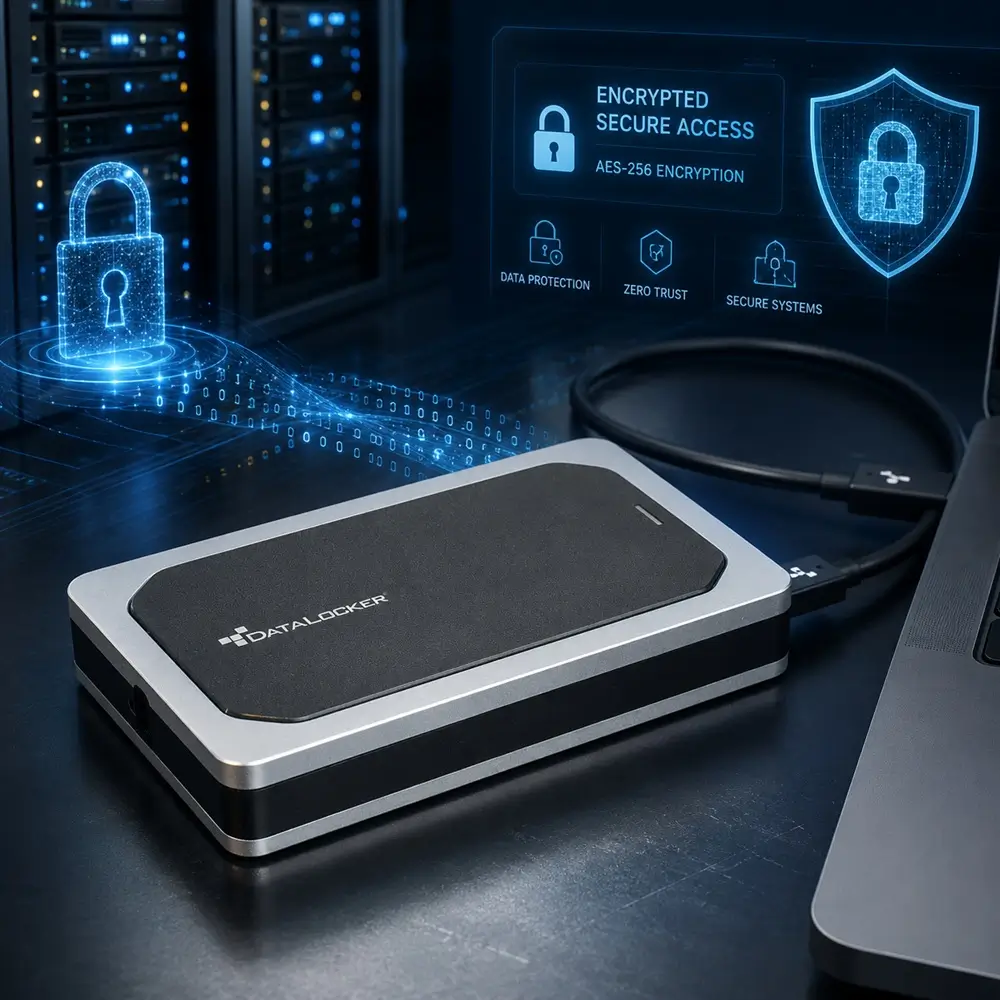
This article provides a detailed breakdown of how to create the most secure workspace possible by combining the Tails OS operating system with top-tier hardware-encrypted USB drives, such as the iStorage datAshur PRO2 and DataLocker Sentry K350.
Why You Should Use Tails OS.
Tails (The Amnesic Incognito Live System) is a portable operating system based on Debian Linux, built with a single purpose: to ensure the user's maximum anonymity and security.
Its architecture is fundamentally different from traditional operating systems (Windows, macOS, or standard Linux distributions) and offers the following key advantages:
- Amnesia (No Traces Left Behind): Tails runs entirely in the computer's Random Access Memory (RAM). It leaves absolutely no traces on the host machine's hard drive. When the computer is shut down or the USB drive is removed, the RAM is automatically wiped, erasing browsing history, passwords, files, and cache. Proving that Tails was used on a specific computer after a reboot is virtually impossible.
- Forced Routing Through Tor: All outgoing network connections in Tails are forcefully routed through the Tor network, providing robust cryptographic protection and traffic anonymization. Any application attempting to connect to the internet directly (bypassing Tor) is blocked by the built-in firewall.
- Built-in Security Arsenal: The system comes pre-loaded with a suite of cryptographic tools. This includes the Tor Browser (with tracker blockers), the KeePassXC password manager, the Thunderbird email client with PGP (GnuPG) support, secure file deletion tools, and OnionShare for anonymous data sharing.
- Host System Isolation: Even if the computer you plug the Tails drive into is infected with viruses, trojans, or ransomware, they cannot penetrate your Tails workspace, as the OS does not interact with local storage drives without the user's explicit permission.
The Advantages of a Hardware-Encrypted Flash Drive.
Running Tails on a standard USB flash drive is already a massive leap in security. However, the operating system's carrier is a physical object that can be lost, stolen, or secretly cloned. This is where drives like the iStorage datAshur PRO2 and DataLocker Sentry K350 come into play.
These devices are not ordinary USB flash drives; they are secure cryptographic modules.
- AES-XTS 256-bit Hardware Encryption: Unlike software encryption (such as BitLocker or VeraCrypt), which relies on the computer's CPU, these drives feature their own dedicated onboard microprocessor. All encryption and decryption happen "on the fly" entirely within the flash drive itself.
- Physical Authentication (Keypads/Screens): The datAshur PRO2 features an alphanumeric keypad on its casing, while the DataLocker Sentry K350 is equipped with an OLED screen and keypad. For the computer to even "see" the drive, a PIN must first be entered directly on the device.
- Brute-Force Protection: If an attacker attempts to guess your PIN and enters it incorrectly a certain number of times (typically 10 consecutive times), the drive's cryptographic chip will physically destroy the encryption key. All data (including the operating system itself) will be instantly rendered into unrecoverable digital noise.
- Physical Component Protection: The internal components of these drives (memory chips, controllers) are typically coated in a tough epoxy resin. Any physical attempt to pry the casing open to access the memory chips directly will destroy them. They are certified to strict military and government standards (e.g., FIPS 140-2 Level 3, Common Criteria EAL5+).
Standard Bootable USB vs. Hardware-Encrypted USB for Tails OS.
A logical question arises: If Tails forgets everything anyway, why go to the trouble of protecting the drive itself? Using hardware encryption solves several critical vulnerabilities inherent in standard USB drives:
- Protection Against the "Evil Maid" Attack.
If you leave a standard Tails USB drive in a hotel room or on your desk, an attacker can covertly plug it into their computer and modify the bootloader or Tails system files. The next time you boot up, you will be loading a compromised system capable of intercepting your passwords and transmitting them to the attacker.
The Solution: The datAshur PRO2 and Sentry K350 remain entirely invisible to any system until the PIN is entered. The attacker simply cannot access the file system to inject malicious code.
- Metadata and Structure Protection.
Even if there are no personal files on a standard flash drive, the mere presence of Tails OS can raise questions during border crossings or security checks. Until the PIN is entered, a hardware-encrypted drive appears to any diagnostic equipment as an uninitialized, "dead" device, or one with an unreadable file system.
- Independence from Host System Vulnerabilities (BadUSB).
Standard flash drives are susceptible to controller reprogramming (the BadUSB attack), after which they can emulate a keyboard and inject malicious keystrokes. Secure hardware drives use locked down controllers (digitally signed firmware), making BadUSB attacks impossible.
The Ultimate Protection: Dual Encryption and Technological Synergy.
The real magic of this security setup emerges when we combine Tails OS's Persistent Storage capabilities with the flash drive's hardware defense.
By default, Tails "forgets" everything. But users often need to save PGP keys, a password database, browser bookmarks, or working documents. To accommodate this, Tails allows the creation of an encrypted partition on the same USB drive. This partition is encrypted at the software level using the LUKS (Linux Unified Key Setup) standard.
By deploying this structure on an iStorage datAshur PRO2 or DataLocker Sentry K350, you establish a two-tier (cascading) security architecture:
- Tier 1 (Hardware): The entire drive is hardware-encrypted with AES 256-bit. To even access the Tails operating system, you must physically type the PIN on the drive's keypad. This tier protects the OS from modification and hides the existence of your data.
- Tier 2 (Software OS): Once Tails boots, your personal files (in the Persistent Storage) remain locked. To open them, you must enter a second, software-based password (the password for the Tails LUKS container). This tier operates independently of the hardware.
Why is this the ultimate protection? Even in an extreme scenario—such as rubber-hose cryptanalysis (physical coercion) where an attacker forces you to enter the drive's physical PIN (bypassing Tier 1)—the system will boot into its "clean" amnesic mode. Your personal files within the Persistent Storage will remain hidden and heavily encrypted under a completely different second password (Tier 2).
Thus, the hardware layer protects the integrity of the system and prevents offline attacks, while the software layer inside Tails protects specific user data from compromise during active use.
Quick Guide: How to Implement This.
The installation process on secure devices differs slightly from the standard method:
- Drive Preparation: Before plugging it into the PC, enter the admin PIN on the datAshur PRO2 or Sentry K350 keypad to unlock the device.
- Flashing: Use trusted utilities (like balenaEtcher) to write the verified Tails ISO/IMG image to the unlocked drive.
- Booting: Insert the drive into a powered-off computer. Enter the combination on the drive to unlock it. Immediately power on the computer and select USB boot in the BIOS/UEFI. The computer will detect the drive because it has already been hardware-unlocked.
- Persistent Storage Setup: After successfully booting into Tails, navigate to Applications -> Tails -> Persistent Storage and create the secure LUKS partition, assigning a strong password (which must be different from the drive's physical PIN).
Summary.
Pairing Tails OS with hardware-encrypted USB drives calibre of the iStorage datAshur PRO2 or DataLocker Sentry K350 is the gold standard for creating a portable workstation. This solution turns the "Zero Trust" concept into a physical reality, guaranteeing that neither a lost device nor a compromised host computer will lead to the loss of your sensitive data or the exposure of your digital identity.
Same category
- How to Choose and Test a Professional Faraday Tent.
- Understanding FIPS 140-2 Standards for Secure Data Storage
- Overview of the Mission Darkness BlockBox Lab XL Forensic Enclosure
- Why Hardware Encrypted USB Drives Outperform Software Solutions
- The Digital Shield: Understanding the Importance of Faraday Bags